

Hey everyone! So, full disclosure: when I first started tinkering with WordPress last year for a little side project, I thought building a website was just picking a cool theme, dropping in some pics, and hitting publish.
Then I clicked on Google PageSpeed Insights.
My heart kind of sank. A big, harsh red 50 out of 100. On mobile, it was even worse. I remember sitting at my tiny desk wondering, “Wait, did I break the internet already?” If you’re staring at that same depressing red score right now, take a deep breath. You aren’t alone, and you definitely don’t need to spend money on an expensive CDN (Content Delivery Network) or a fancy developer to fix it.
Here is what I’ve learned about why your WordPress site is crawling at a snail’s pace, and how we can actually speed it up together.
Why is PageSpeed torturing us? (The Real Culprits)
Before we fix anything, we gotta know what’s breaking it. Back when I built my first site, I installed plugins for everything: social sharing, contact forms, cute popups, sliders, page builders… you name it.
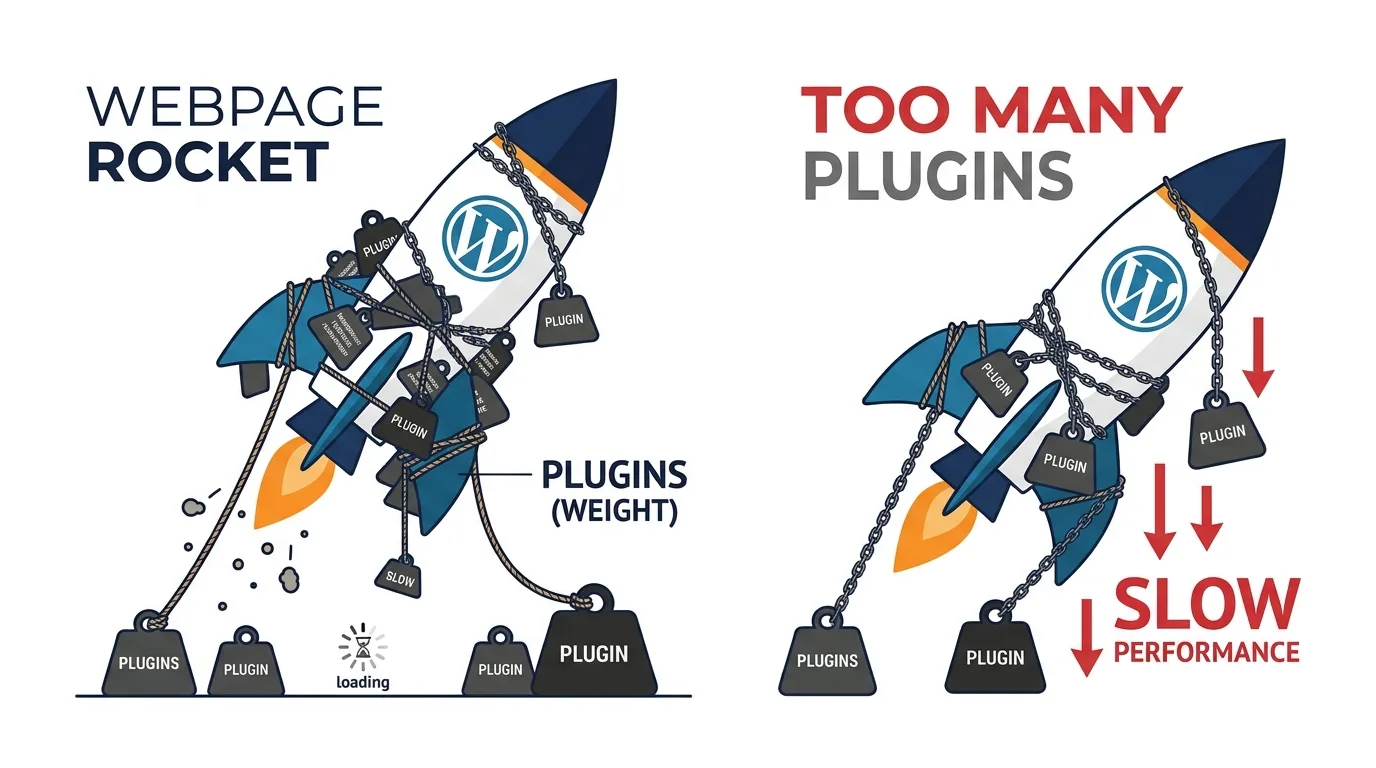
Turns out, every single one of those plugins loads its own CSS and JavaScript files. When a visitor lands on your page, your browser is basically trying to juggle twenty different balls at once.
- Heavy Page Builders and Bloat: Big builders are amazing for design, but they add a ton of invisible code behind the scenes.
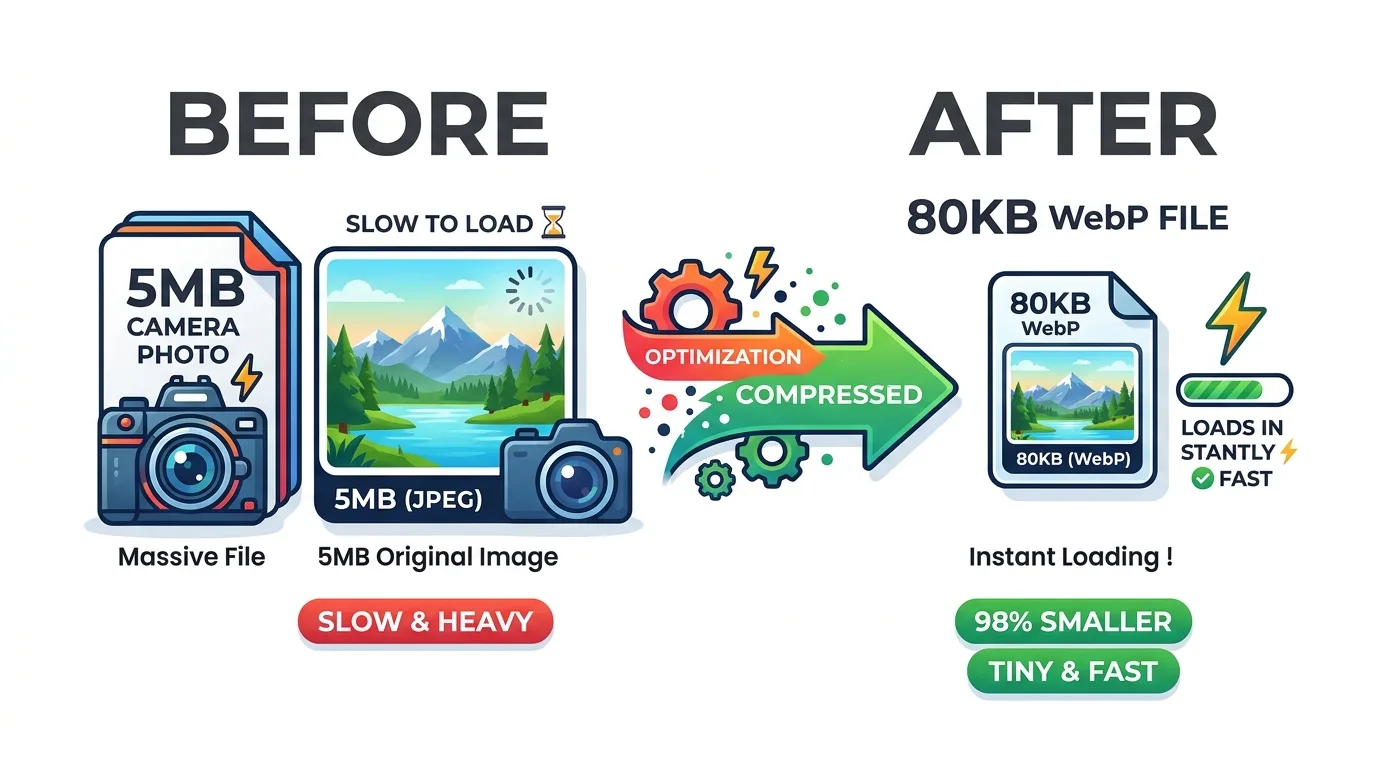
- Unoptimized Images: I used to upload straight-from-the-camera phone pics that were like 5MB each. Big mistake.
- Too Many Plugins: If you have 30+ plugins, your database is working overtime.
Step 1: Ditch the Heavy Page Builder (Or Trim the Fat)
If you’re using a heavy page builder, every click adds more weight. Lately, I’ve been experimenting with super lightweight block themes (like Super Theme) that rely completely on the native WordPress editor.
Without all that extra framework baggage, the code stays clean. The browser doesn’t have to decode a massive mess of divs. It just reads straight HTML and CSS. If switching themes isn’t an option right now, at least go through your plugins and delete anything you haven’t used in the last month. Seriously, be ruthless.
Step 2: Fix Your Images (Without Ruining the Quality)
This was my biggest wake-up call. Images account for like 80% of a page’s weight.
- Resize before uploading: Don’t upload a 4000-pixel-wide photo when it’s only going to display at 800 pixels wide on someone’s screen.
- Convert to WebP: WebP is a newer image format that looks just as good as a JPEG or PNG, but it’s way smaller in file size.
- Turn on Lazy Loading: Modern WordPress does this automatically, but make sure it’s actually working so images below the fold don’t load until the user scrolls down to them.
Step 3: Clean Up Your Hosting and Database
Sometimes your site is slow simply because your web host is putting your site on a crowded server with a thousand other people. If you’re on a cheap $3/month shared hosting plan, that might be your bottleneck.
Also, look into database cleanup plugins (or just clear out old post revisions, spam comments, and transient options). Over time, WordPress collects a bunch of digital junk food in the database that slows down query times.
Wrapping Up
Getting your PageSpeed score out of the red zone doesn’t require an engineering degree or a massive monthly budget. By cutting out plugin clutter, resizing your images, and leaning into a cleaner site architecture, you can watch that score climb up into the green.
Have you checked your score today? What number are you stuck at? Let me know in the comments below, and let’s figure it out together!